

How do I cancel my Static IP subscription

Winder S
Mar 18, 2026

Starting March 2026, you can cancel your Static IP subscription at any time from Subscriptions under Billing in My Account (you must be logged in to see this page).
How To Cancel A Static IP Subscription
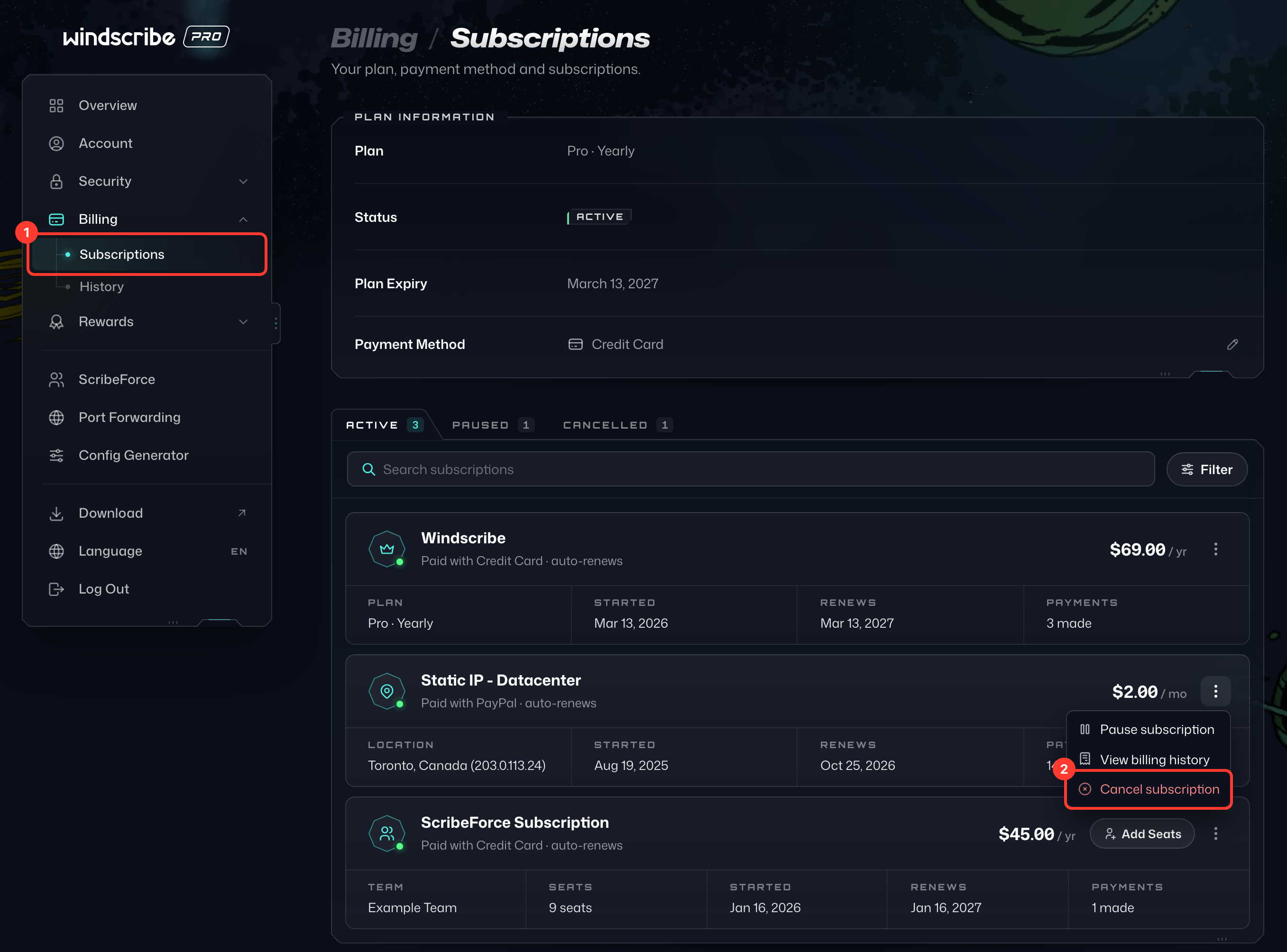
- Open Subscriptions under Billing on your My Account page (1). Find your Static IP subscription in the list, click ⋮ next to its price and choose Cancel subscription (2).
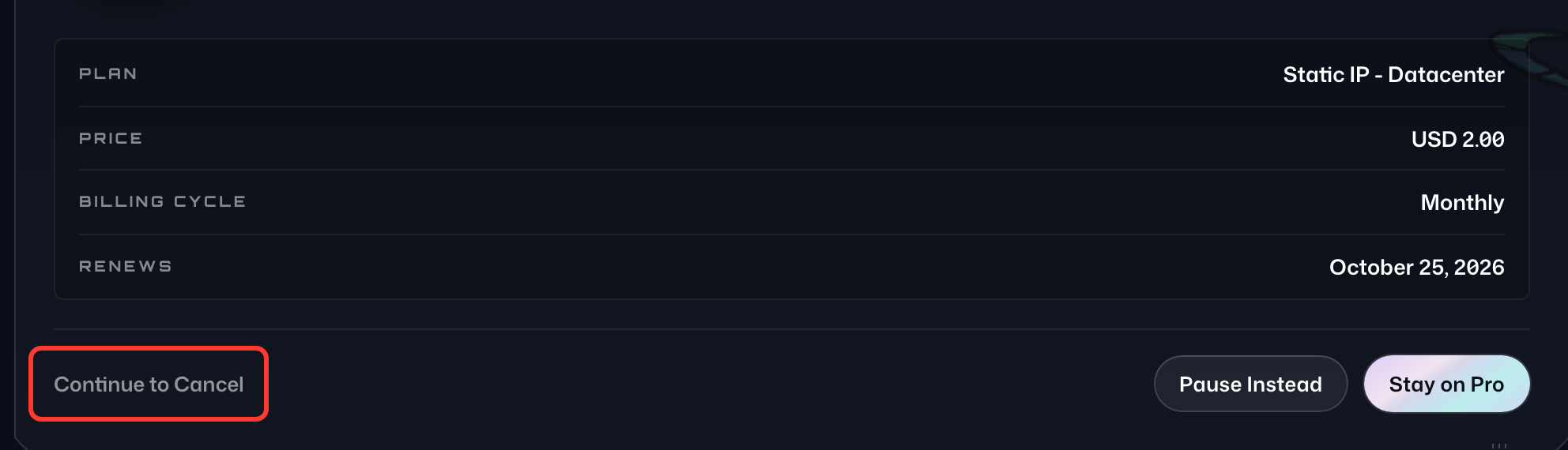
- On the Think Before You Cancel page, check that the summary shows your Static IP, then select Continue to Cancel at the bottom.
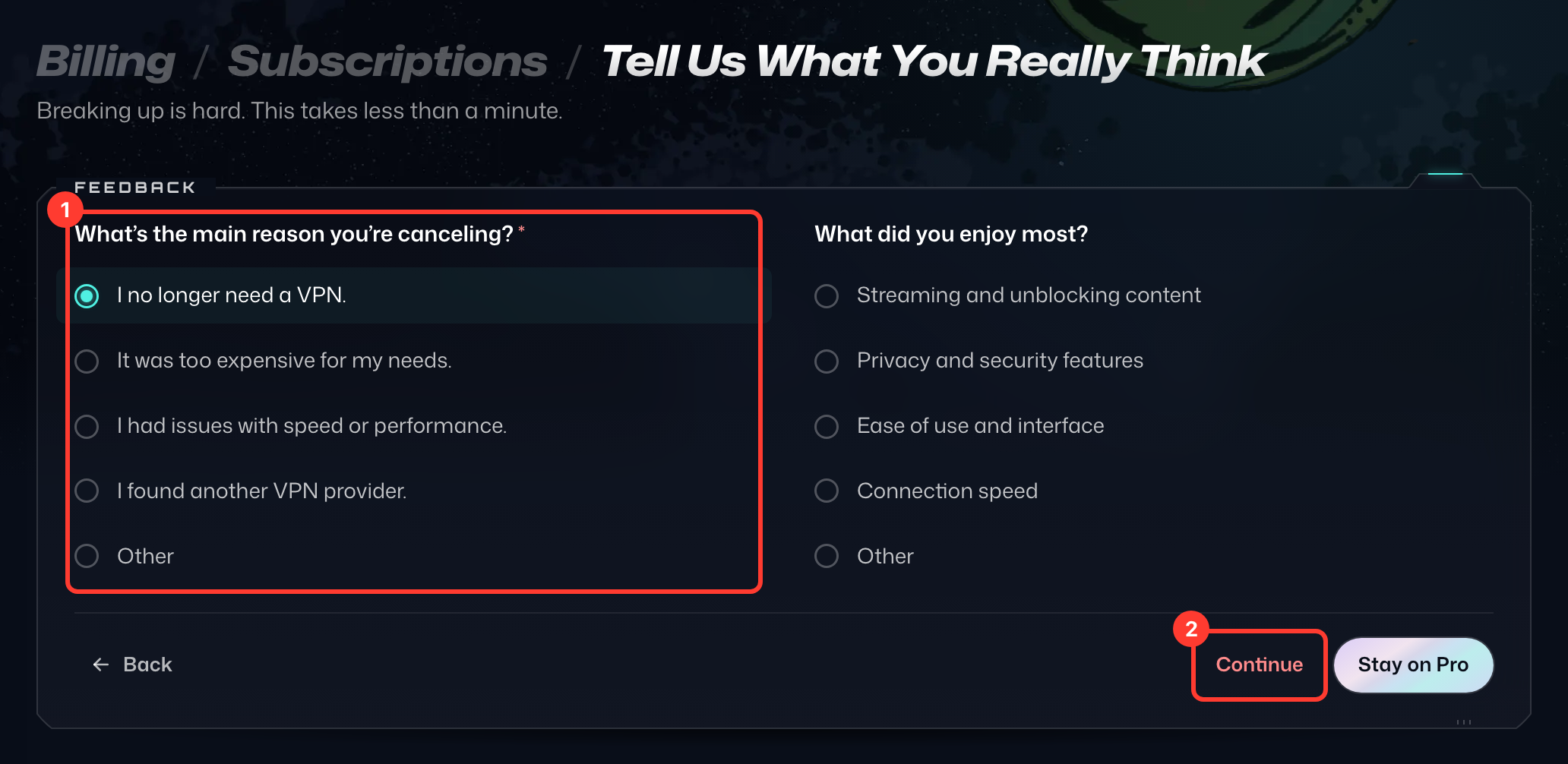
- On Tell Us What You Really Think, pick the main reason you're canceling (1), then select Continue (2). If a special offer appears, select No Thanks, Cancel to go on.
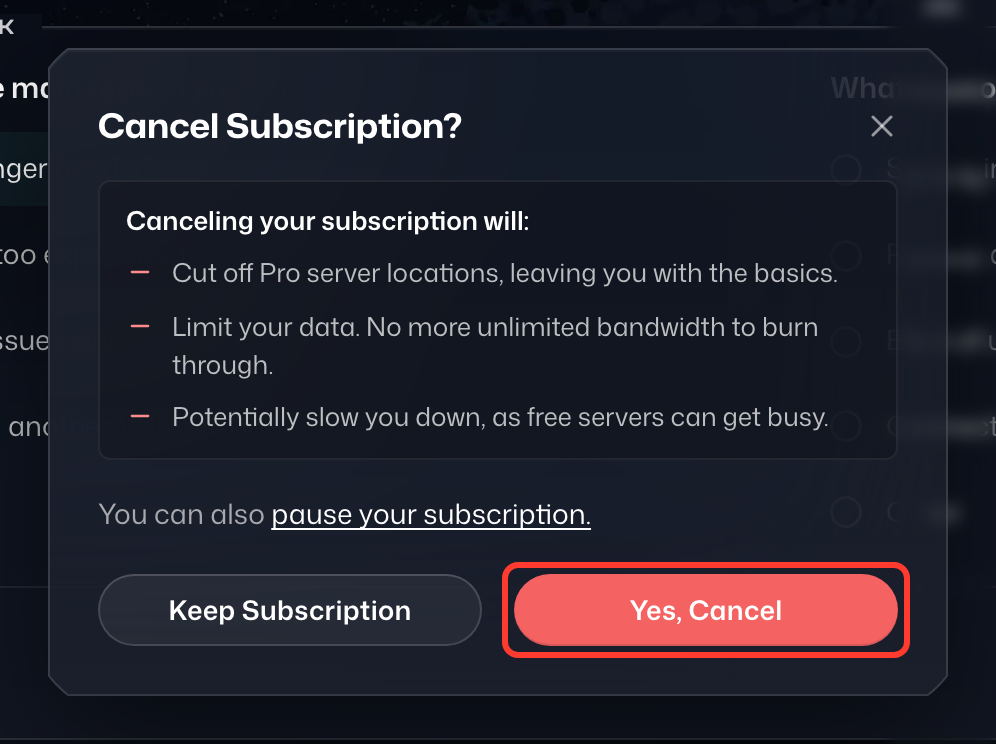
- In the Cancel Subscription? dialog, select Yes, Cancel.
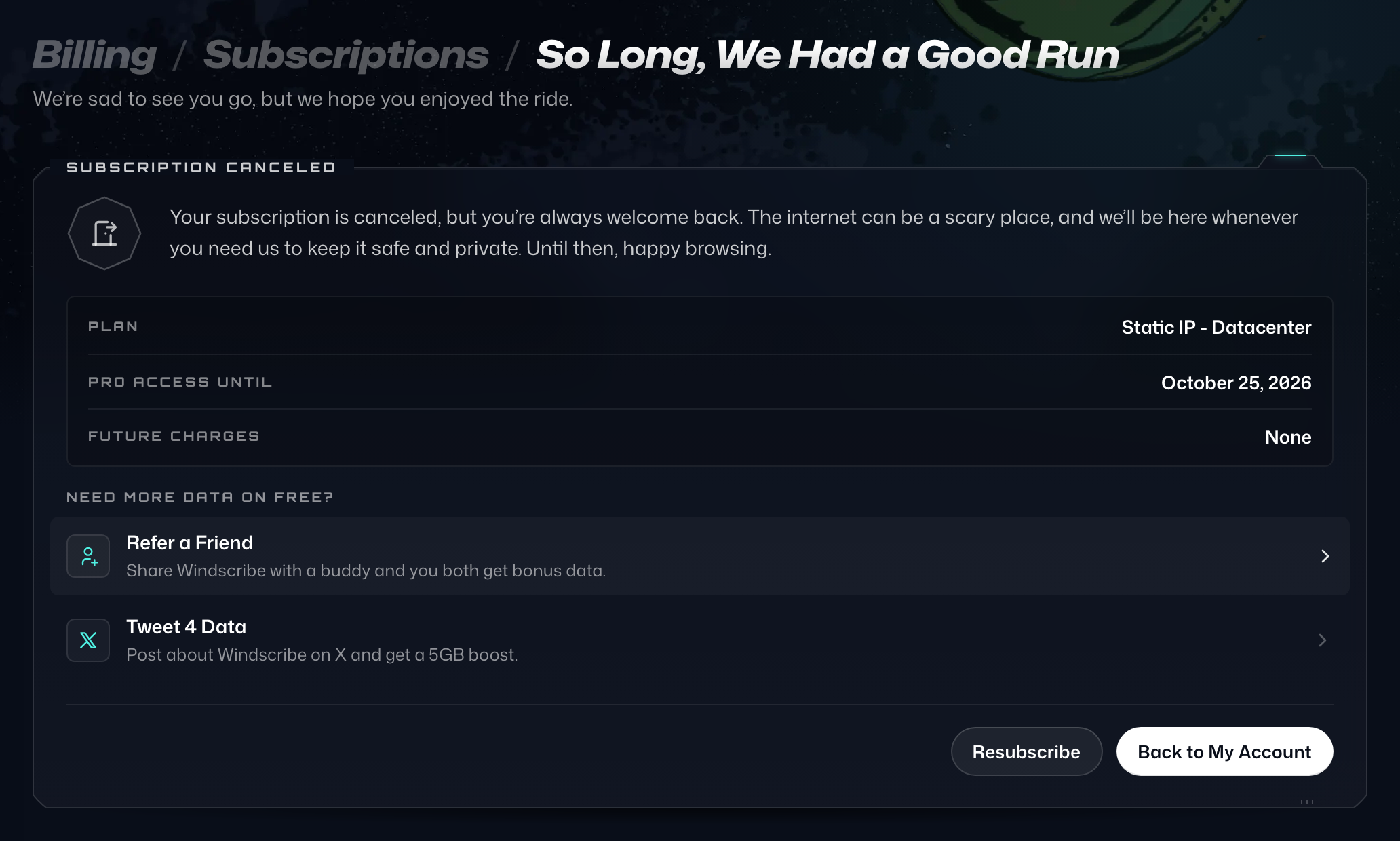
- You'll see the confirmation page, So Long, We Had a Good Run.
If you are looking to cancel, but simply need a break, consider pausing your subscription instead.
If you have any issues with this process, please get in touch with our Support team and we will be happy to help you out.