


Step 1
Step 2
Install the App
Step 3
Sign up
Why Use a VPN for ChatGPT
Office Wi-Fi playing gatekeeper with ChatGPT? Windscribe slips right past the firewall like it was never there. Discord sneaks through on that same quiet exit.

Network providers know you’re accessing ChatGPT. Windscribe masks your activity with encryption, so they can’t see zilch.
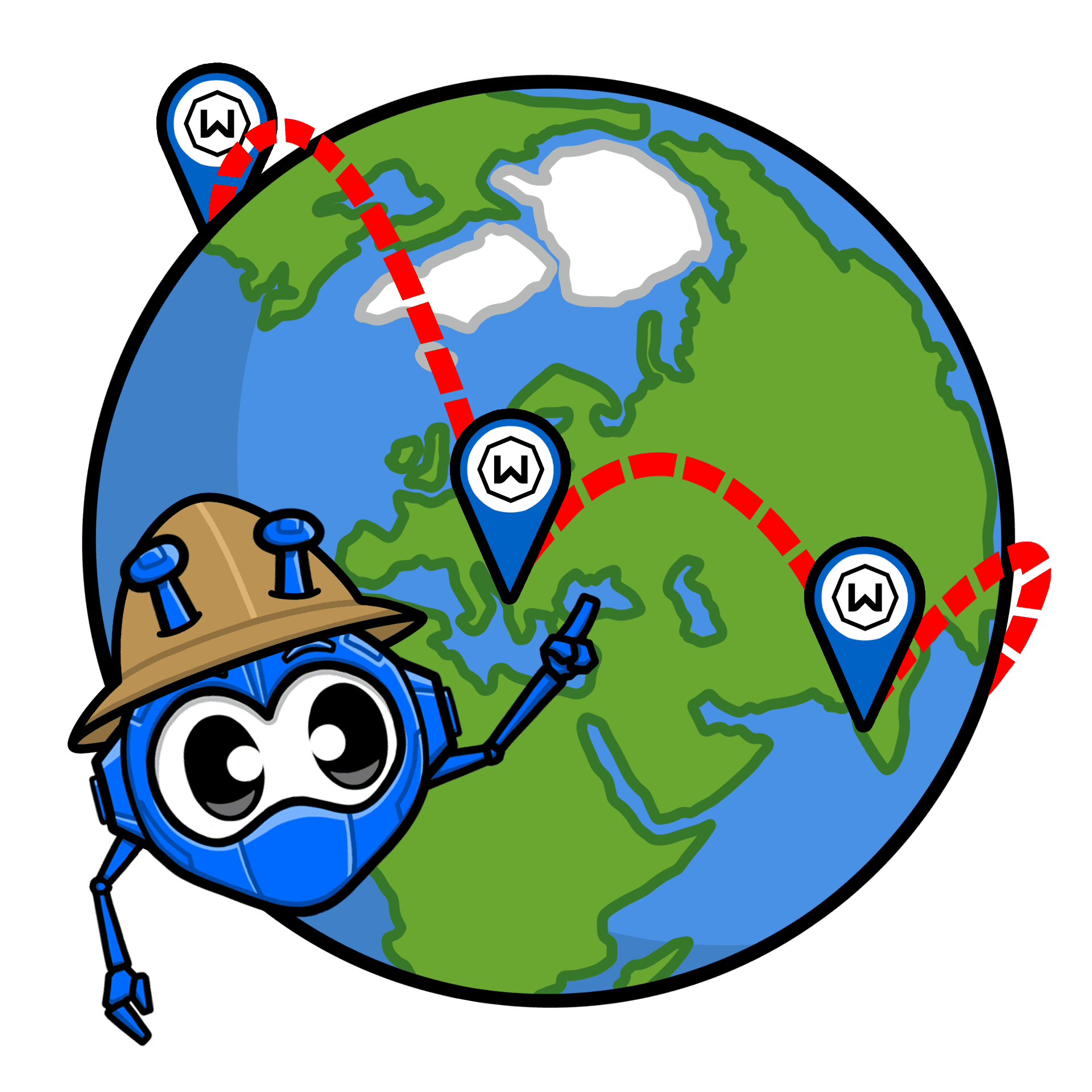
Windscribe hides your real IP address and replaces it with one from our server, so ChatGPT can't tell where you really are.

R.O.B.E.R.T. blocks malicious sites and malware from loading, so you stay safe from potential online threats at all times.

Access ChatGPT With Windscribe

We’ve got servers in countries where ChatGPT is available, so you can access it from anywhere.

Our strict no-logs policy means we don’t track anything that can be tied back to your real identity.

Use ChatGPT on your laptop, phone, or tablet with full Windscribe protection on every device.




Loved & Trusted by Over 100 Million Users
Features

6 Encryption Protocols
Widest Server Reach
Most 10 Gbps Servers
Industry-Leading Ad Blocker
Privacy: Audited & Court-Proven
Features

Other VPNs
6 Encryption Protocols
Widest Server Reach
Most 10 Gbps Servers
Industry-Leading Ad Blocker
Privacy: Audited & Court-Proven


Frequently Asked Questions
Does ChatGPT Work With a VPN?


Yep, ChatGPT works great with a VPN! When you connect to a server in a region where ChatGPT is available, you’ll be able to use it just like you’re at home. Plus, using a VPN adds that extra layer of privacy, so no one can snoop on your chats. It’s the best of both worlds: access and security.
What if ChatGPT Doesn’t Work With a VPN?
If you're having trouble using ChatGPT with Windscribe, try a few simple fixes. First, connect to a server closer to your location for better speeds. If that doesn’t work, clear the ChatGPT cache if you’ve been switching between server locations. You can also try accessing ChatGPT from another device or ensuring your Windscribe app is up to date. If you're still stuck, don’t worry! Our support team is available 24/7 to help you out.
What Is the Best VPN for ChatGPT?
The best VPN for ChatGPT is one that’s fast, reliable, and keeps your data safe. You’ll want strong encryption, solid speeds, and a no-logs policy, so Windscribe is a perfect choice. We have servers in places where ChatGPT is available, and our apps are built to protect your privacy while giving you a smooth, uninterrupted experience.
Is Using a VPN With ChatGPT Legal?
In most countries, using a VPN with ChatGPT is totally legal. VPNs are privacy tools that let you protect your data and bypass geo-restrictions. Just make sure to follow ChatGPT’s terms of service and the local laws in your country. A VPN is just a tool for safer browsing and accessing content that might be blocked.
Why Use a VPN for ChatGPT?
Blocked, throttled, geo-fenced, doesn't matter. Windscribe keeps ChatGPT talking back no matter where the restrictions try to draw the line, and Gmail slips past that same line without missing a beat. It lets you access ChatGPT from anywhere, even in places where it’s unavailable. Plus, it encrypts your connection, so no one can track your activity or spy on your chats. It’s a must if you want your interactions to stay private and secure.
Does ChatGPT Know Who You Are if You Use a VPN?
When you use a VPN, ChatGPT can still recognize your account and what you’re doing on the platform. However, a VPN masks your real IP address and location, making it harder for anyone (including websites or hackers) to track your activity back to you. So while ChatGPT knows your login info, your browsing habits are a lot harder to trace.
Which Countries Cannot Use ChatGPT?
Due to government restrictions and censorship, ChatGPT isn’t available in some countries like China, Russia, North Korea, Iran, Syria, and Cuba. Check the full list of countries where ChatGPT is available here.